Why control matters for your show or venue
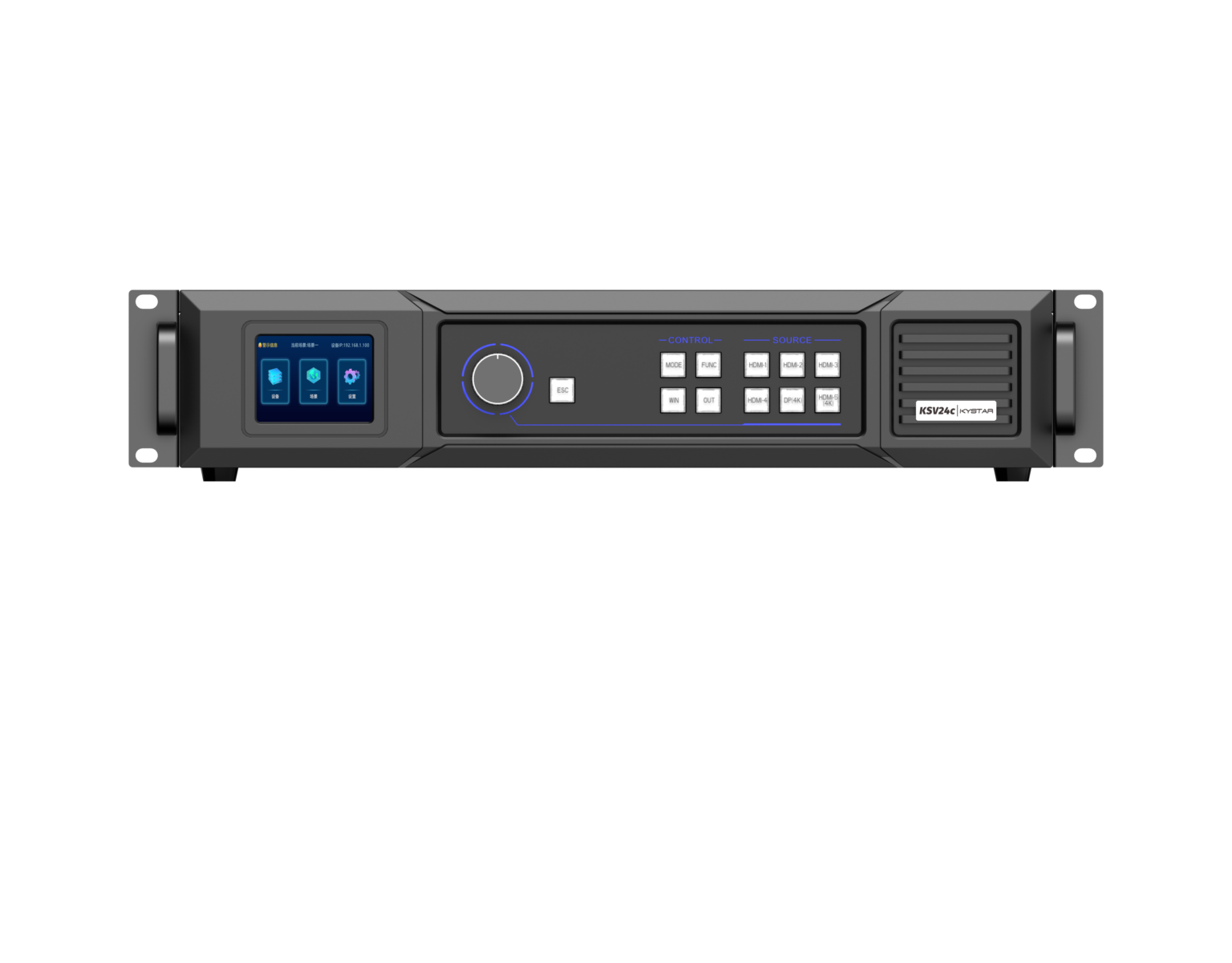
I keep it real — if your visuals ain’t synced and clean, folks notice. Start with a solid LED video controller and you already cut a big chunk of risk. That controller governs pixel pitch behavior, refresh rate, and basic color mapping so your content looks the way you meant it to on stage, storefront, or a Times Square-style facade that hits hundreds of thousands of eyes a day.
User pain points and what fixes ’em
People wanna easy setup, reliable playback, and predictable color. Common headaches come from mismatched controllers, sloppy calibration, and poor synchronization across panels. Fixes are straightforward: pick hardware that supports precise calibration routines, confirm your refresh rate matches the content frame rate, and lock in color mapping that works across modules. Real integrators lean on trusted LED controller manufacturers to avoid this mess.
Typical mistakes folks make — and how to dodge ’em
They under-spec the controller, assume every pixel looks the same, or skip a proper test run. Don’t do that. Run a bench test for mosaic alignment, stress the network for latency, and verify gamma correction on several source formats. If you skip these checks, the first live event becomes a firefight — and that’s avoidable.
Picking the right controller: the user checklist
Think of this like shopping with purpose. Match capacity, support, and workflow:
– Capacity: Does it handle your total pixel count and desired refresh rate? – Workflow: Can your team load media fast, and does the controller support real-time mapping? – Support: Firmware updates, remote diagnostics, and clear docs — those save nights.
Alternatives and when to choose each
For quick pop-ups, compact controllers with simple mapping work fine. For touring rigs or stadium installs, go modular and choose units designed for heavy loads and network redundancy. Weigh cloud-based content management against on-site playback rigs — both get you results, but on-site units cut dependency on network health. Look to experienced LED controller manufacturers for options that scale.
Calibration, network, and a small real-world anchor
Calibration ain’t cosmetic. Proper calibration locks in color fidelity across tiles, so a red in rehearsal stays red on open night. Synchronization across the network keeps frames aligned — that matters when you run multi-panel video backdrops at large venues like major sports stadiums. Integrators who’ve worked near Times Square-size billboards often cite how tight calibration and robust controllers prevent costly rework — that’s the industry lesson right there.
Golden rules — 3 metrics every pro checks
Here’s what you score every system on:
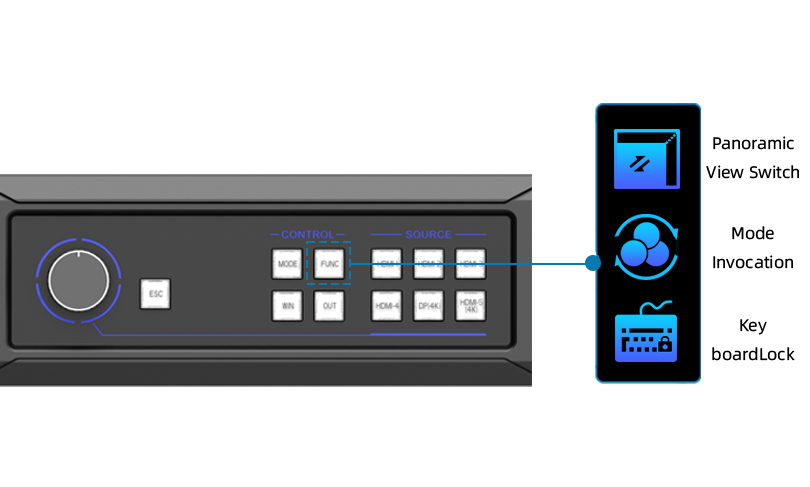
1) Frame Integrity: confirm sustained refresh rate under full pixel load — this prevents tearing. 2) Color Consistency: measure delta E across tiles after calibration; small variance means visual continuity. 3) Recovery & Diagnostics: test failover time and remote debugging tools — short recovery keeps shows on track.
Final take and practical next steps
Wrap it up by prioritizing controllers that give you clean pixel control, simple color mapping, and reliable synchronization. Partner with vendors who offer clear support channels and firmware that’s easy to update. For big installs or recurring events, that choice is the difference between calm setup and last-minute scrambling. Kystar fits right into that workflow as a practical solution that pros choose when they want predictable results. Real talk: pick smart, test hard, ship steady. Fragment.